
Live menu bar
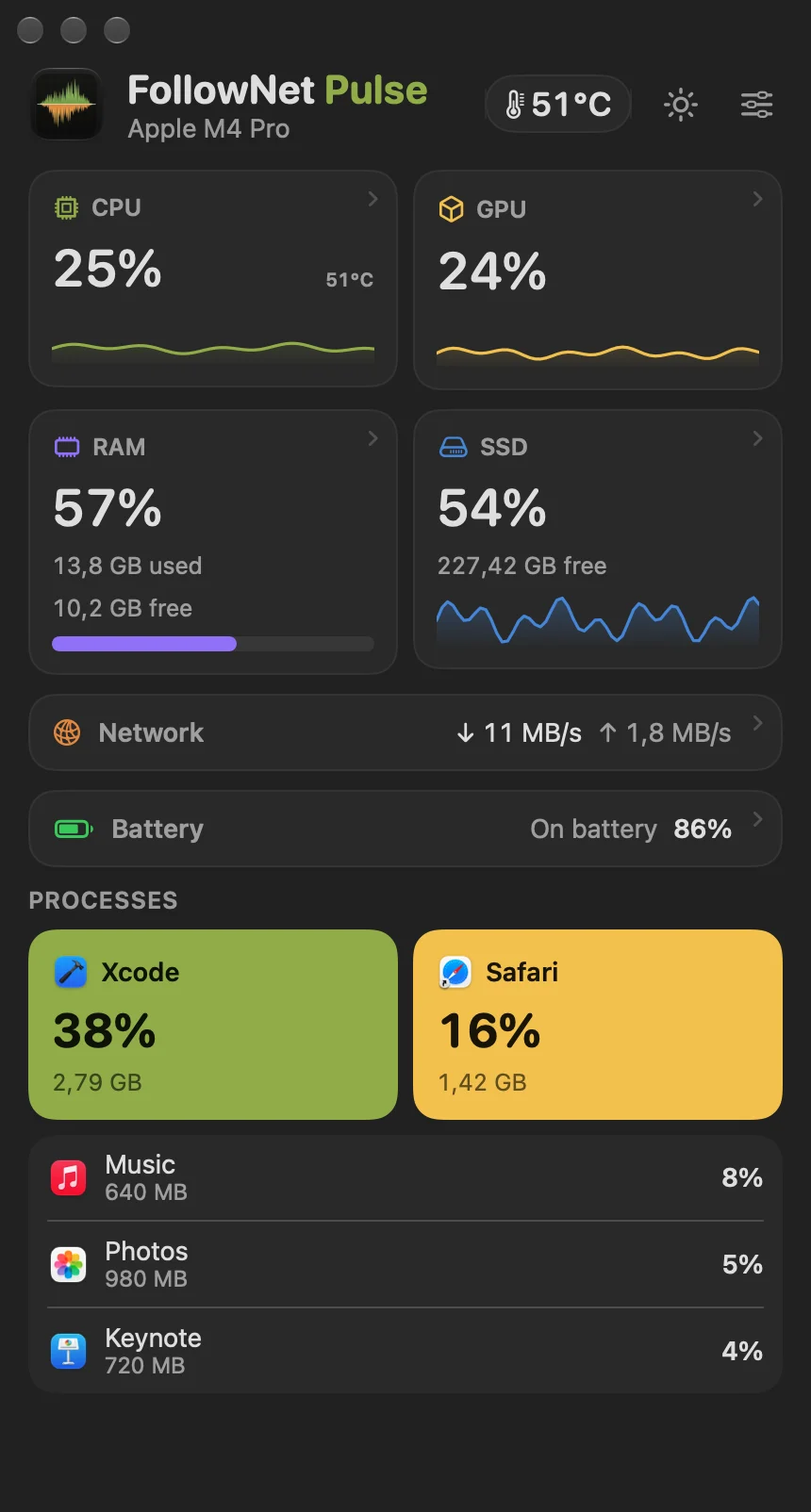
CPU, GPU, RAM, SSD, network speed, temperature and battery right next to the clock — pick what you want to see.
New from FollowNet · for Mac
A clean system monitor for your menu bar. CPU, GPU, memory, disk, network, temperature and battery — live, at a glance, without opening Activity Monitor.
No account. No tracking. Everything stays on your Mac.

What it shows
Pulse lives in the menu bar and opens a compact dashboard with a click.
CPU, GPU, RAM, SSD, network speed, temperature and battery right next to the clock — pick what you want to see.
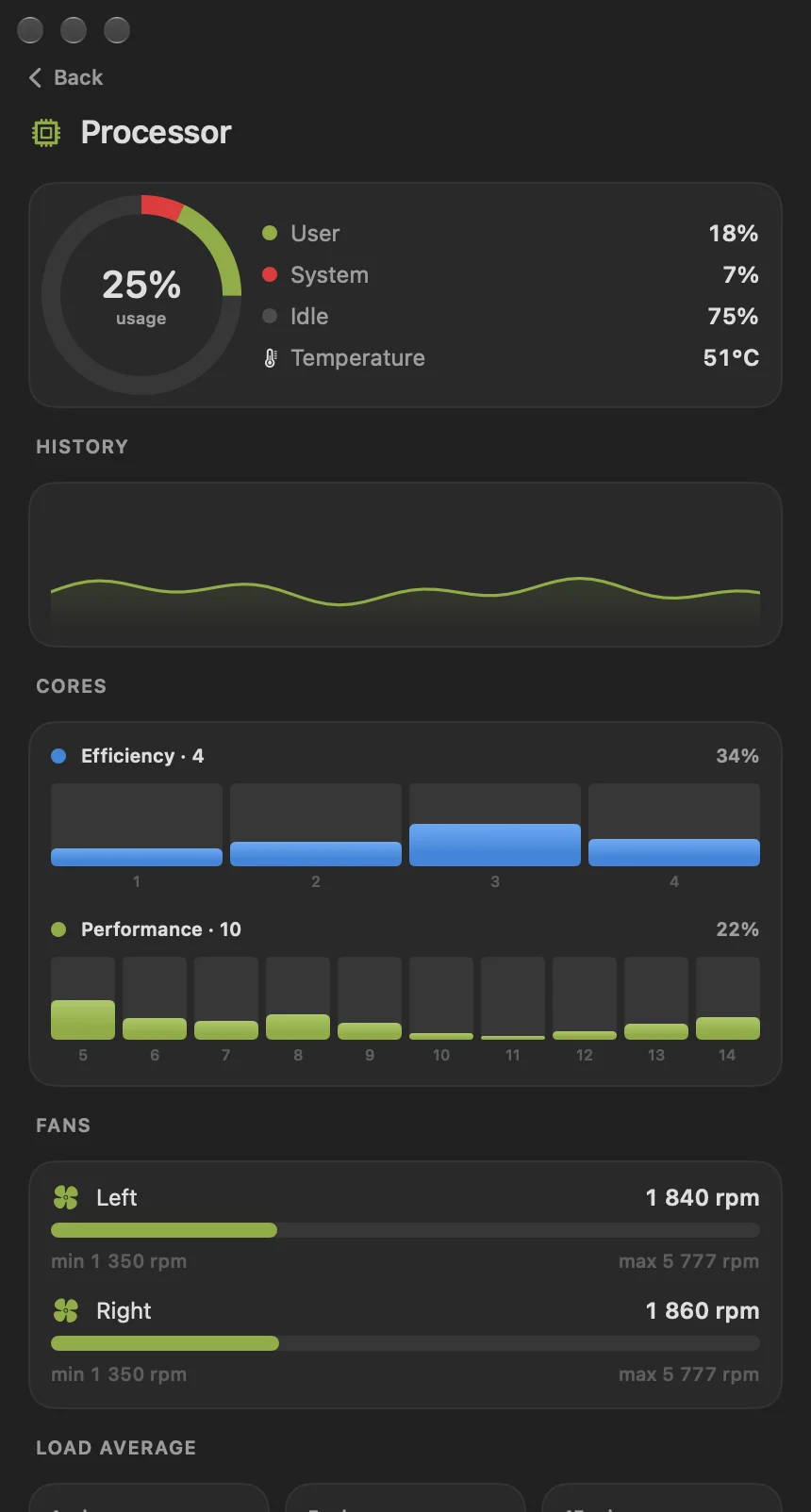
Efficiency and performance cores, CPU and SSD temperatures, fan speeds and the processes that load your Mac.
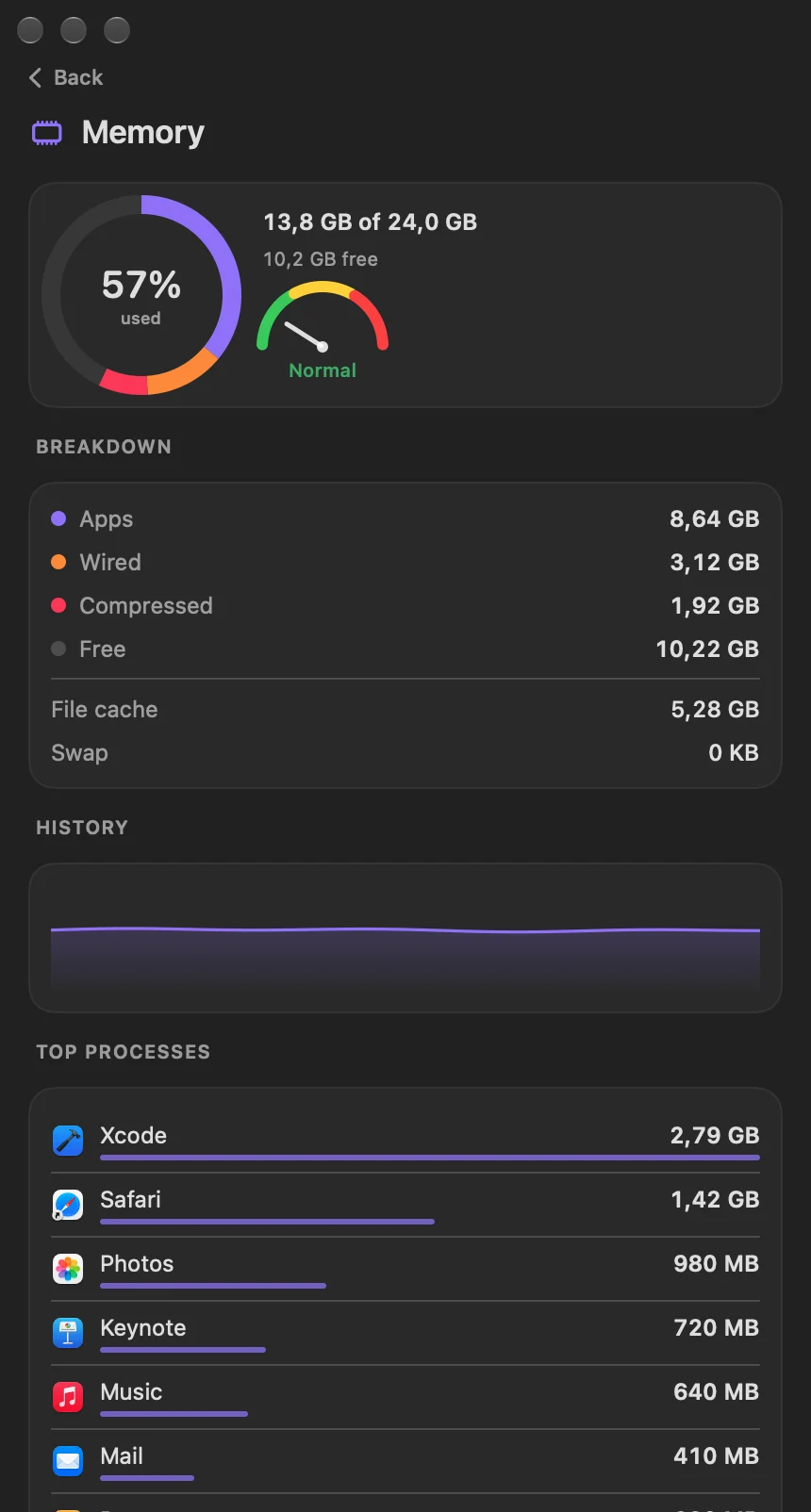
Memory pressure, swap, compressed memory, free space and the apps that use the most.
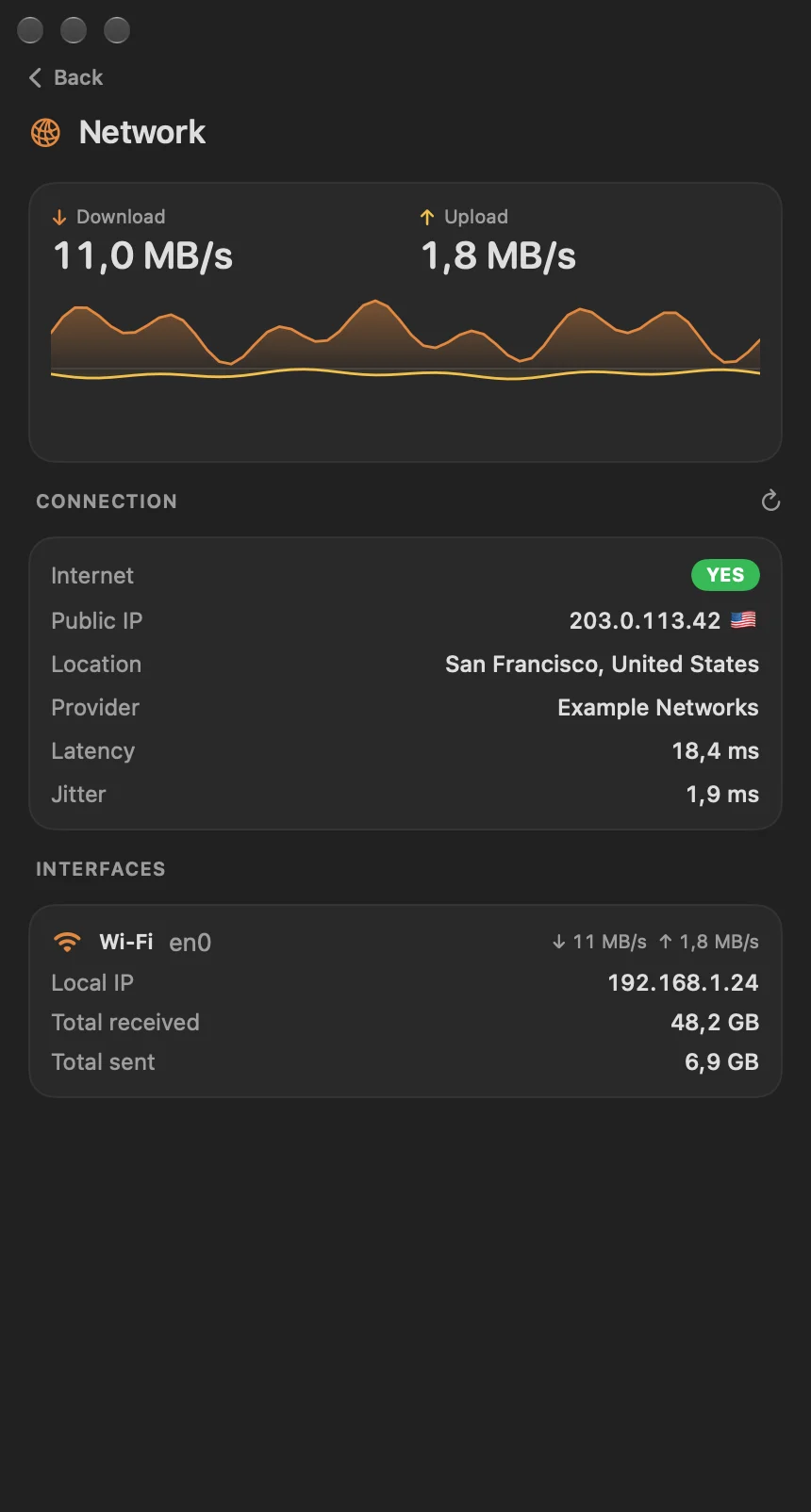
Upload and download speed, public IP, country, provider, latency and jitter — handy with or without a VPN.
Charge, time remaining, cycle count, capacity versus new, and adapter power.
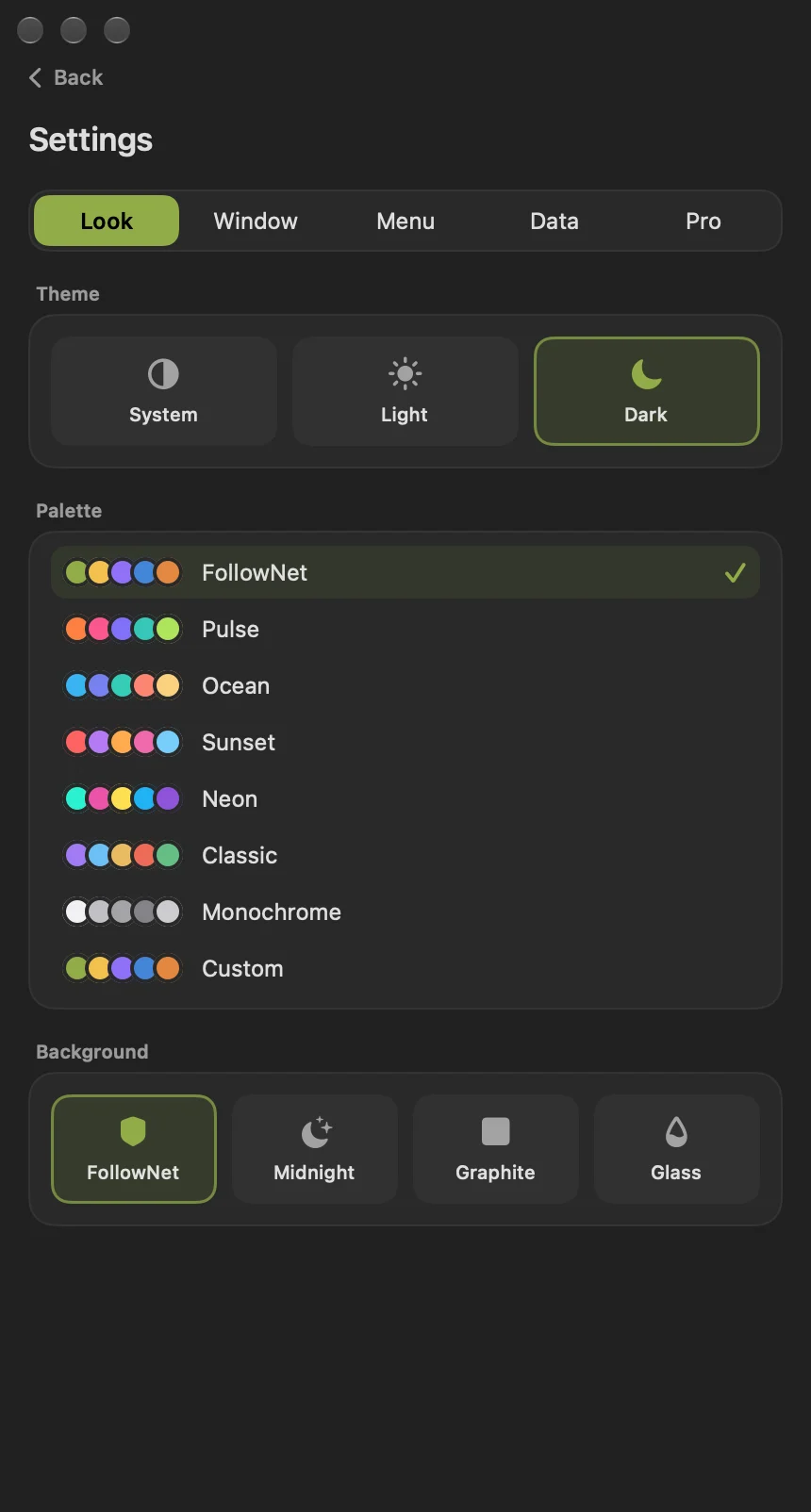
Light and dark themes, color palettes, three window sizes and a menu bar that never jumps around.
Screenshots
CPU, GPU, memory, disk, network and battery — live in your menu bar.
Pricing
The dashboard and the core menu bar metrics are free forever. Pro unlocks the detailed screens and full customization.
Free
Everything you need every day
$0
Pro
For people who like to know everything
$4.99/ year
Pro Forever
Pay once, keep Pro for good
$14.99once
US prices. The App Store shows the price for your country.
Yes. The dashboard, top processes, battery details and the core menu bar metrics are free with no time limit. Pro is optional: a yearly subscription with a 7-day free trial, or a one-time lifetime purchase.
Any Mac with macOS 14 Sonoma or later, on Apple silicon (M1–M4 and newer) or Intel.
No. There is no account, no analytics and no tracking. All readings stay on your Mac. The only network request is to ipinfo.io when you open the Network screen, to show your public IP and provider.
No. Pulse only reads sensors — temperatures and fan speeds. It never writes to the hardware, so it is safe to leave running all day.
Barely at all. Pulse is a native Swift app; by default it refreshes once per second and you can make it update less often in Settings.
Sign in with the same Apple ID, open Settings → Pro and tap “Restore purchases”. A lifetime purchase works on all your Macs.