
Free
A real VPN with a weekly cap — no card required.
$0with weekly limit
- IKEv2 · WireGuard · AmneziaWG · Hysteria2
- Free servers
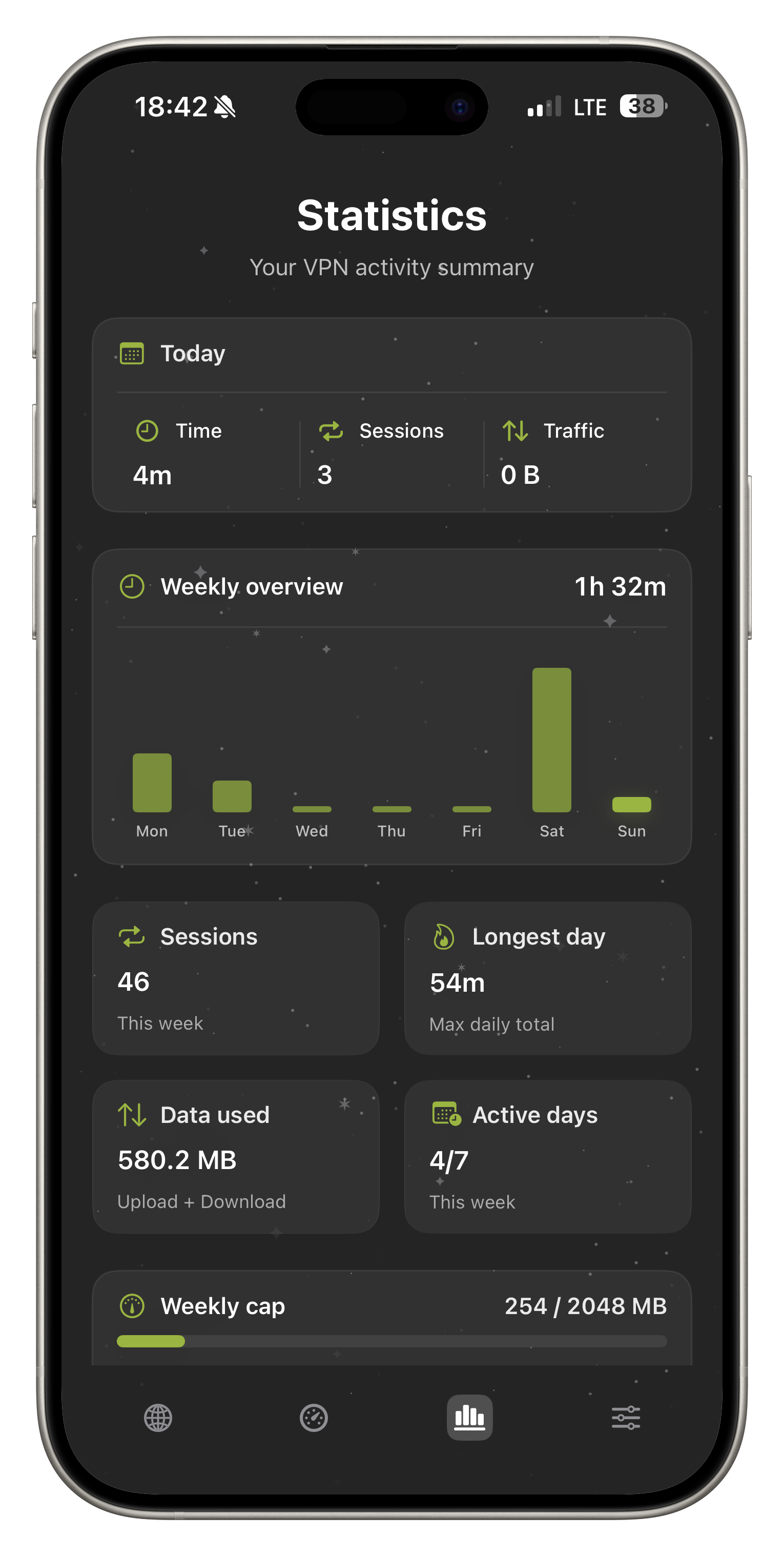
- Weekly traffic limit
Free with limits or full Premium. Smart Connect, four protocols (including AmneziaWG and Hysteria2), DNS profiles, widgets, and Speed Test — in one iOS app.
FollowNet VPN
A focused iOS VPN: speed, privacy, and a clear UI — without the noise.
IKEv2 · WireGuard · AmneziaWG · Hysteria2 · Smart Connect · DNS · passwordless login · App Store
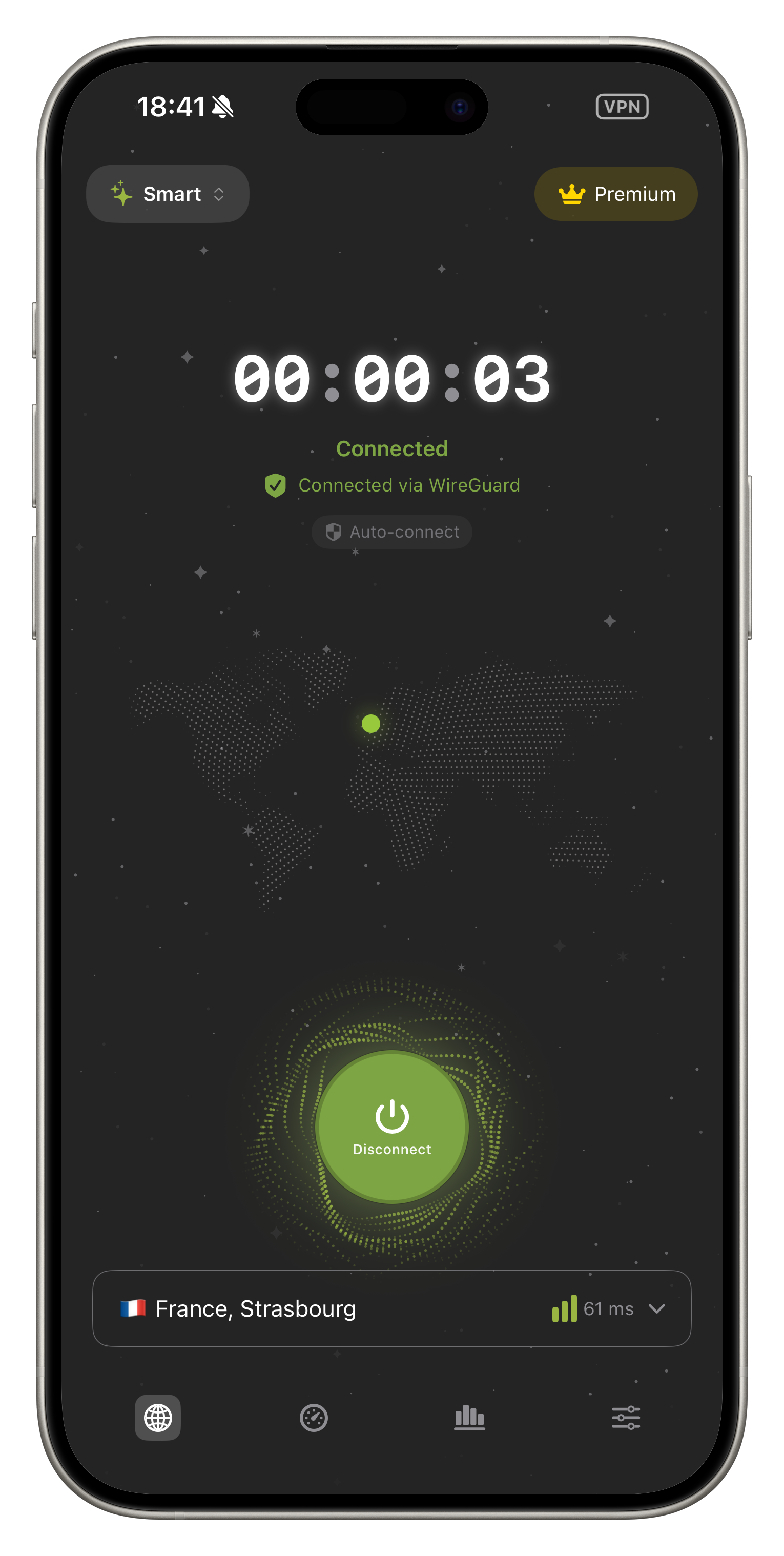
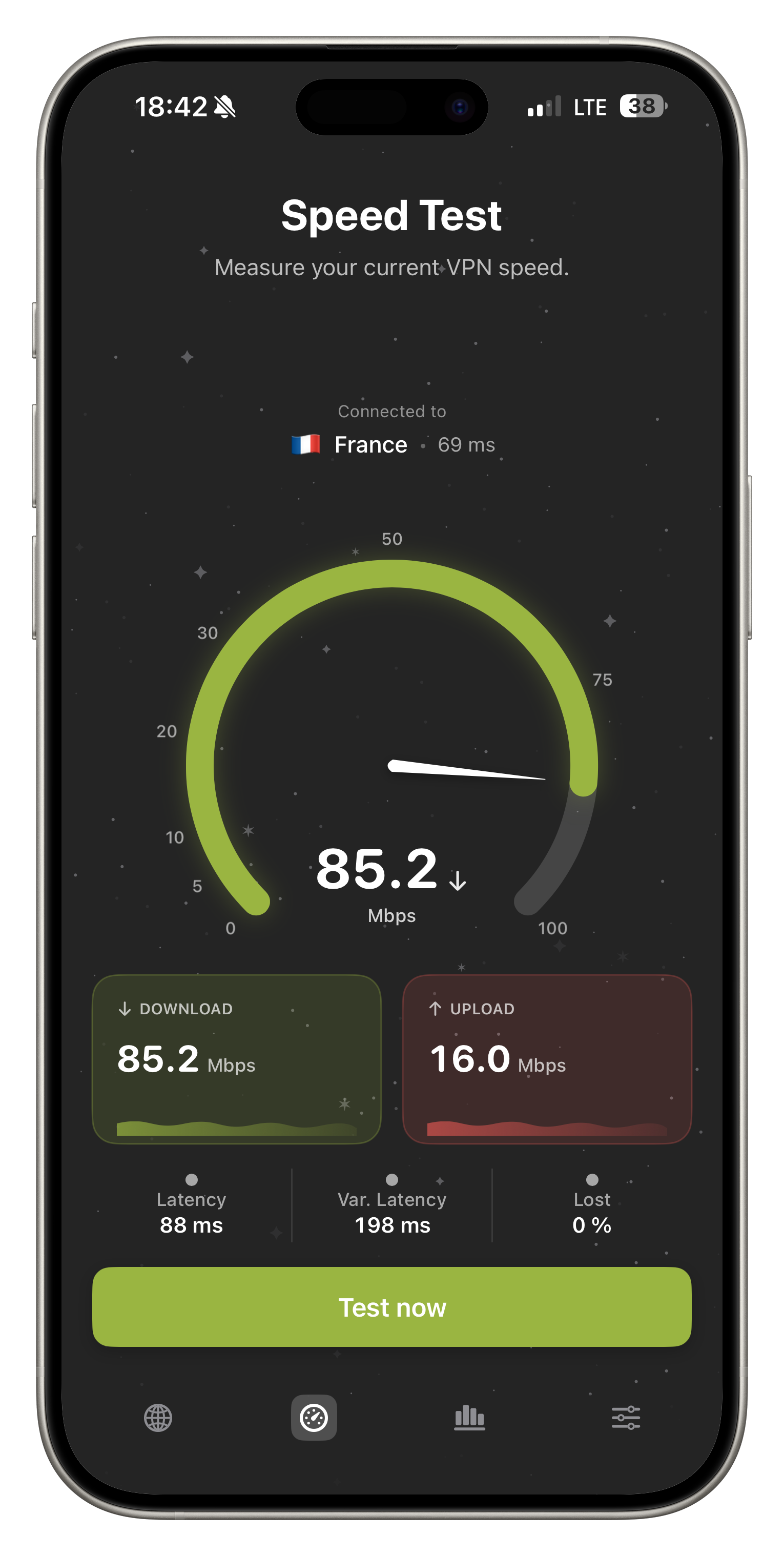
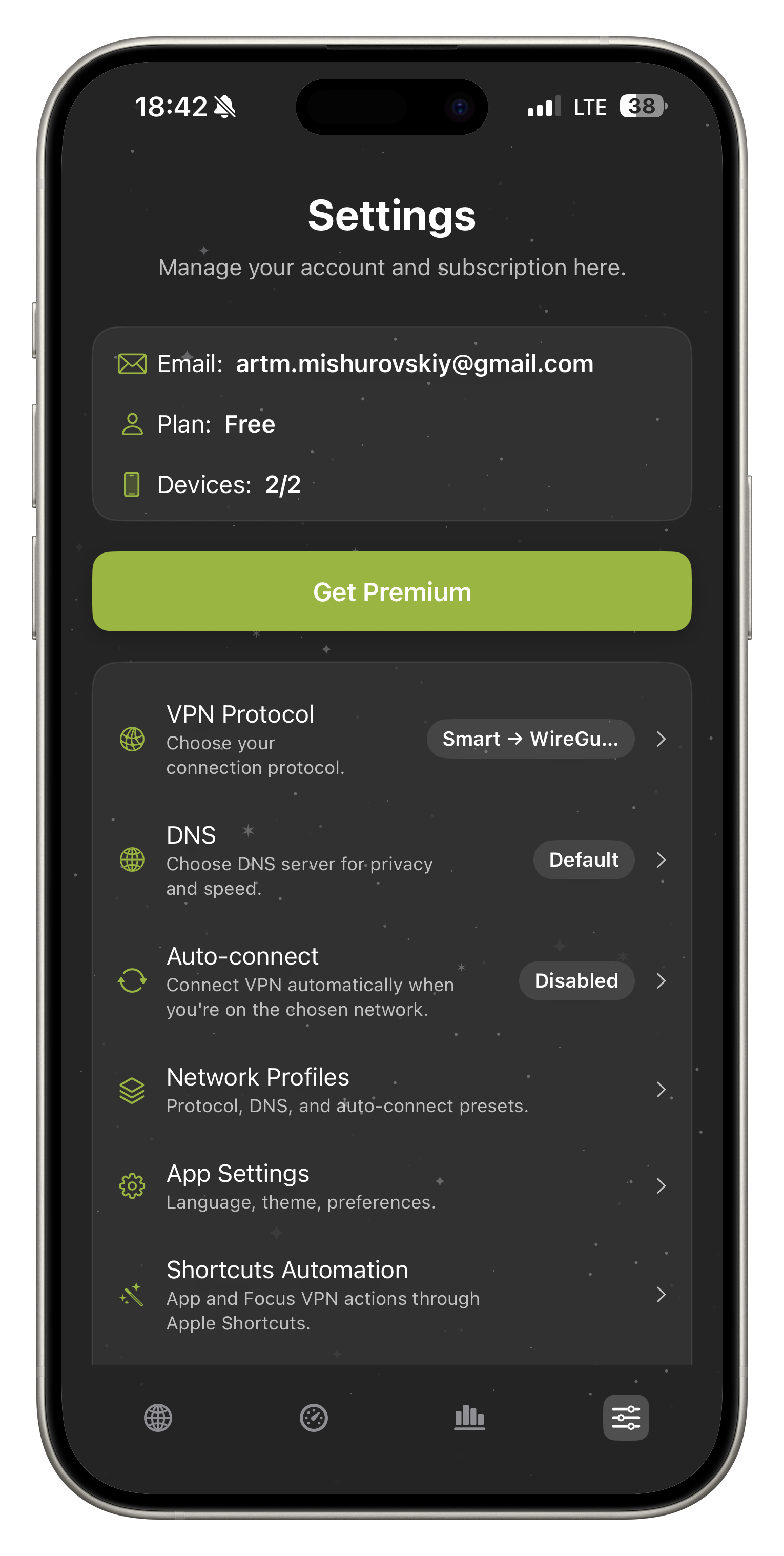
Speed Test, stats, DNS profiles, and four protocols—in the app. Free vs Premium rules are clear upfront, with no made‑up numbers.
Pick a low-latency location with stable speed — at home or while traveling.
Five steps—from your iPhone to a protected connection online. Short and clear.
iOS — full-device VPN. Chrome — browser protection on desktop.
macOS app — coming soon
A real VPN with a weekly cap — no card required.
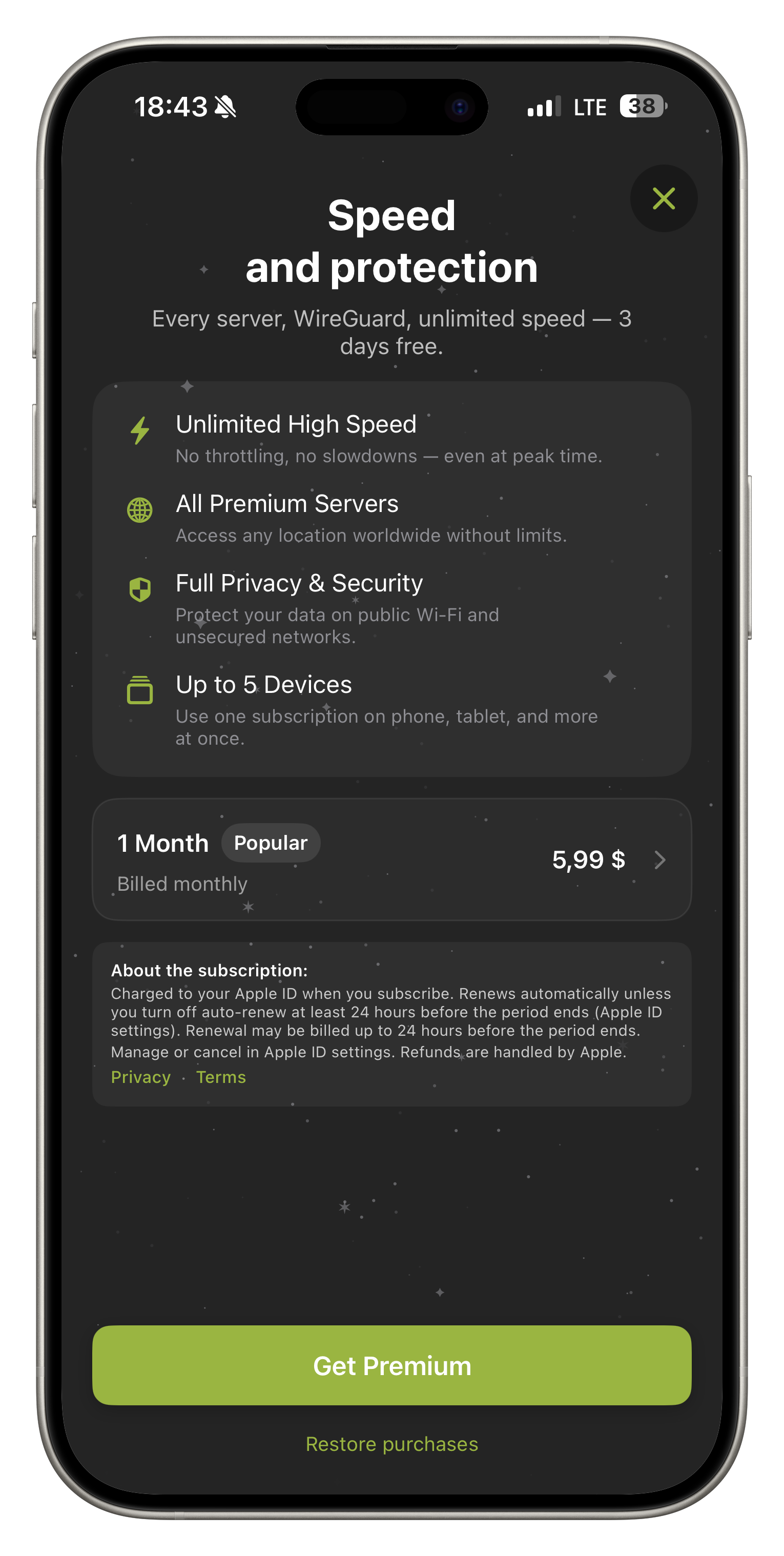
Unlimited, all servers, up to 5 devices.
Price in the app depends on your country and App Store currency.
Short, useful articles about FollowNet, privacy, and VPN technology.
A full tour of what ships in the iOS app and Chrome extension — protocols, Smart Connect, Auto-connect, DNS, Network Profiles, widgets, Speed Test, and Free vs Premium.
ProductWhy FollowNet ships Hysteria2 alongside WireGuard, IKEv2, and AmneziaWG — and when Smart Connect should pick it.
ProductWhat FollowNet Free actually includes, when Premium is worth it, how weekly traffic works, and what we refuse to hide in a nine-point footer.
GuidesA short method: baseline without VPN, compare servers and protocols, and read results against your Free weekly limit.
GuidesA practical map of FollowNet protocols on iOS: speed, stability, and what to use when a network fights VPNs.
UpdatesNetwork Extension, entitlements, and review edges — why FollowNet stays an App Store native iOS client.
Trust
App Store · Chrome Web Store · email support. Free has a weekly limit; Premium is unlimited. We do not promise “free unlimited forever”.
Locations are those currently listed in the app. macOS and Android are still on the roadmap. More: About and Support.
About Free and Premium, protocols, Smart Connect, Chrome, and connection — quick and clear.
Yes. Free includes all protocols (IKEv2, WireGuard, AmneziaWG, Hysteria2), Smart Connect, free servers, and a traffic cap. Premium adds premium servers, unlimited traffic, and up to 5 devices.
Read more: Free VPN for iPhone · VPN for iPhone
Enter your email — we send a code. Enter the code in the app to sign in. No password needed.
Premium servers, unlimited traffic, and up to 5 devices per account. Subscribe through the App Store or on the website when web checkout is available.
Read more: Best VPN for iPhone
In settings you can pick AdGuard, Cloudflare, or Google DNS—for blocking, speed, or compatibility.
Read more: Custom DNS VPN
Open FollowNet VPN in the Chrome Web Store and click Add to Chrome. Sign in with the same account as on iOS; Premium status syncs through your account.
An App Store 3-day free trial is available on the annual plan with your first Premium subscription (for eligible users). After the trial, your subscription auto-renews at the in-app plan price. Manage or cancel in Apple subscriptions (Settings → Apple ID → Subscriptions).
IKEv2, WireGuard, AmneziaWG, and Hysteria2 are free (AmneziaWG and Hysteria2 on supported servers). Pick a protocol manually or use Smart Connect.
Read more: WireGuard for iOS · IKEv2 VPN for iOS · AmneziaWG for iOS
Try switching server or protocol, enable Smart Connect, toggle Wi‑Fi/cellular, and restart the app. If it still fails, check your internet and try again later.
Read more: Smart Connect VPN · VPN for public Wi‑Fi
Smart mode in protocol settings lets the app pick the server and protocol (IKEv2, WireGuard, AmneziaWG, or Hysteria2) for your network—Wi‑Fi or cellular, stability, and common carrier restrictions. You can always choose a protocol manually.
Read more: Smart Connect VPN